Practical How-To / Desk organization ideas
How to Organize Paperwork at Home: A Five-Pass Desk Reset
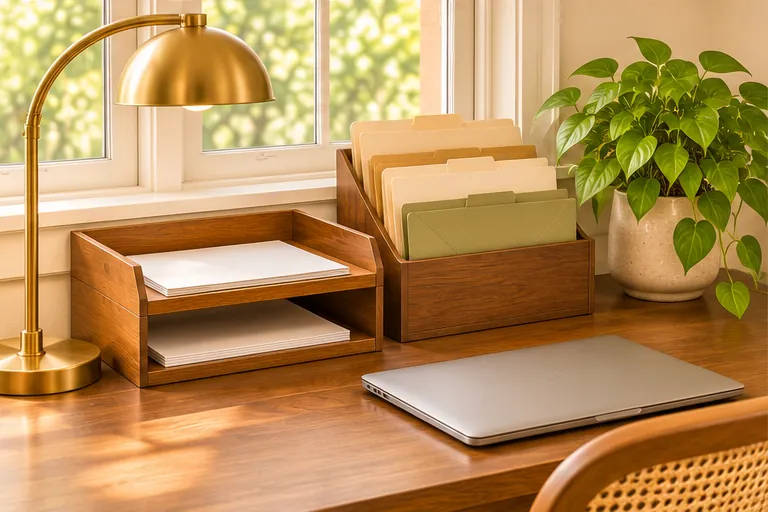
A clear desk is not an empty desk. It is a work surface where incoming papers, active decisions and finished records each have an obvious next step.
Shop this guide
Products to consider
As an Amazon Associate I earn from qualifying purchases. Product illustrations are representative; check Amazon for actual photos, sizes and current details before you buy.
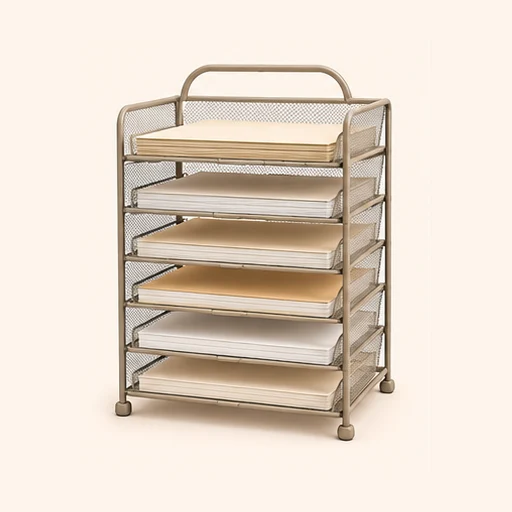
Marbrasse 6 Tier Paper Organizer Letter Tray - Mesh Desk File Organizer with Handle, Paper Sorter Organizer for…
Marbrasse's six-tier mesh letter tray includes a handle and offers separate levels for paperwork and folders.
View on Amazon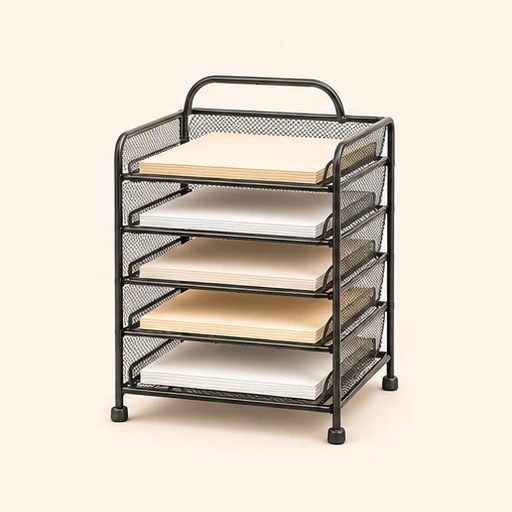
5 Trays Paper Organizer Letter Tray with Handle-Mesh Desk File Holders, Paper Sorter Desk Organizer for Office,…
Five mesh paper trays with a handle create a compact sorting station for incoming and outgoing paperwork.
View on Amazon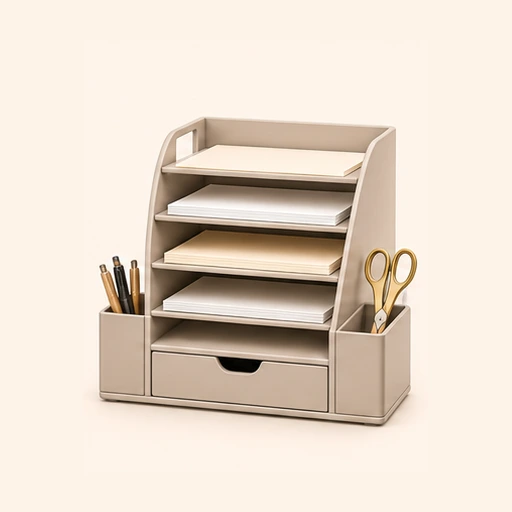
WALI Desk File Organizer, 4 Tier Desktop Paper Letter Tray Organizer with Drawer and 2 Pen Holders, Office Desk…
WALI's four-tier file organizer combines paper trays with a drawer and two pen holders for a mixed desktop setup.
View on Amazon1. Photograph the actual work surface
Take a photo or make a quick sketch of the desk at its busiest. Mark the tasks you complete there: bills, correspondence, computer work, writing or filing. Identify the clear area needed for your keyboard or notebook before choosing new trays. If you use a wheelchair or mobility aid, test reach and access based on your own needs rather than copying an online desk setup.
Remove cups, packaging and objects unrelated to desk work. Put papers into one temporary stack instead of sorting at random across the room. Do not place heavy printers or file boxes on an unstable riser. Keep electrical outlets, heaters and ventilation unobstructed.
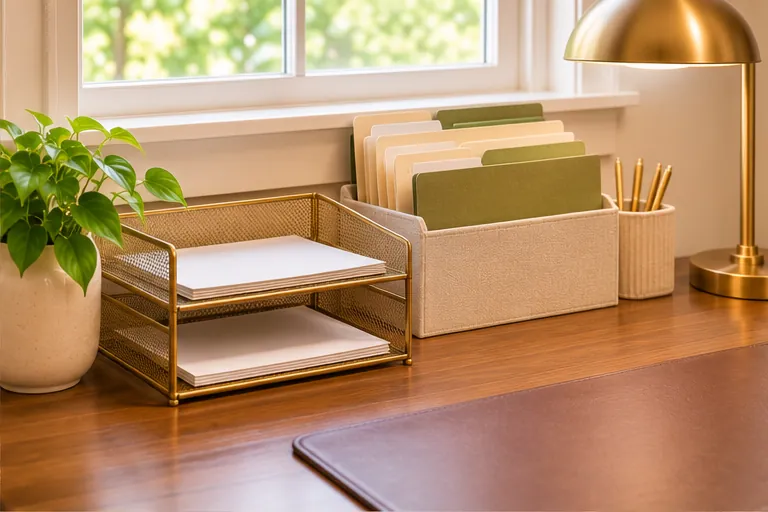
2. Sort paper by next action
Make four temporary categories: act soon, waiting for someone else, file or retain, and recycle or securely destroy. Open one document at a time and decide its next step. Do not throw away tax, legal, medical or financial records based on a universal retention number; check the relevant authority or professional advice for your situation.
For personal information, use a secure destruction method rather than tossing account details into open recycling. Store original documents in a secure place consistent with your household needs. If you cannot decide what to do with a piece of paper, make a dated action note and move on instead of allowing it to derail the entire desk reset.
3. Give active work the easiest location
Keep only current tasks within daily reach: today's papers, a pen and the device you use. Put reference materials you consult weekly nearby, and move archived material out of the main work zone. A plain folder labeled ‘To do this week’ can be more useful than an elaborate vertical sorter.
Use your existing drawer or one shallow container for small supplies. Count how often you reach for staplers, envelopes or charging cables before giving each a dedicated position. Keep loose cables out of chair wheels and walking routes, and do not overload power strips. Follow electrical product instructions and have damaged cords replaced.
4. Make incoming paper easy to capture
Choose exactly one intake point for mail and printouts. Give it a maximum capacity: when it is full, schedule a 10-minute paper triage. Keep the ‘waiting for reply’ folder separate from ‘action required,’ because those two statuses need different reminders.
If you scan documents, confirm the file is legible and backed up before discarding the paper, and keep originals whenever required. Name digital files consistently and use account protections appropriate to the sensitivity of their contents. The goal is to reduce repeated searching, not to move a messy pile onto the computer.
5. Test a daily and weekly reset
At the end of each work session, clear the usable surface, put active papers in their action folder, and return supplies. Once a week, review the waiting file and securely handle documents you no longer need. If a stack repeatedly returns, its sorting rule may be too complicated or its destination too far away.
Only consider buying a desk organizer after this routine has been tested. Measure the open work area, reachable drawer size, true stack thickness and cable access. Save your requirements in My Room Project and check the purchase checklist before ordering.
Frequently asked questions
Practical answers about how to organize paperwork at home, fit and everyday use.
How to organize paperwork at home: where should I start?
A practical paperwork desk reset: triage incoming papers, protect sensitive documents, route cables and build an easy daily habit.
How should I approach filing cabinet organization?
Use a few broad categories, label folders by action or topic, and keep only the papers you need to keep; shred what you do not.
What is the easiest office supplies organization?
Keep daily supplies in one shallow drawer or tray near where you work and store backups in a labeled box elsewhere.
Do I need a file cabinet to start?
No. A few existing folders and one secure destination for important records can support a useful first pass.
Should I discard old paperwork after scanning?
Not automatically. Verify document retention requirements and that your scan is complete before deciding.
How do I stop piles coming back?
Use one intake point, one action folder and a brief scheduled review rather than creating many unsupervised stacks.
How should I sort papers that need signatures?
Keep action papers in a short, visible pending tray and schedule a regular review; archive completed records separately.
How do I protect private documents on a shared desk?
Use a secure folder or locked storage for sensitive items, and do not leave personal data visible during shared use.
Sources and further reading
These sources provide general safety and consumer guidance, not verification of a specific product.
Independent educational guidance, not a hands-on product test. Always confirm manufacturer directions, local housing rules and retailer terms. Affiliate disclosure.