How-to & ideas
Craft Supply Organization Ideas: Sort by Project and Frequency
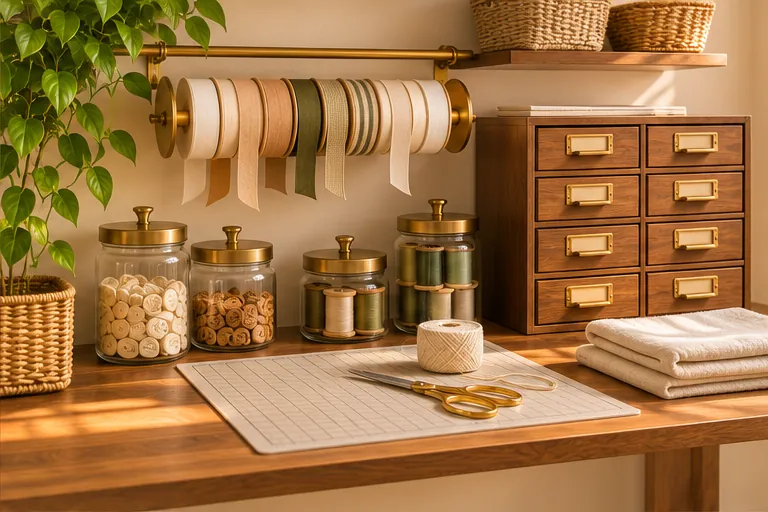
A five-step craft-room organizing method based on active projects, frequency, small-part safety and safe materials handling.
Room Guide / Home Office
Desk organization starts with the work you do there: paperwork, screens, crafts or all three. These guides compare desks, monitor setups and file organizers and walk you through resetting a paper-heavy desk.
How-to & ideas
A five-step craft-room organizing method based on active projects, frequency, small-part safety and safe materials handling.
How-to & ideas
A practical paperwork desk reset: triage incoming papers, protect sensitive documents, route cables and build an easy daily habit.
Buying guide
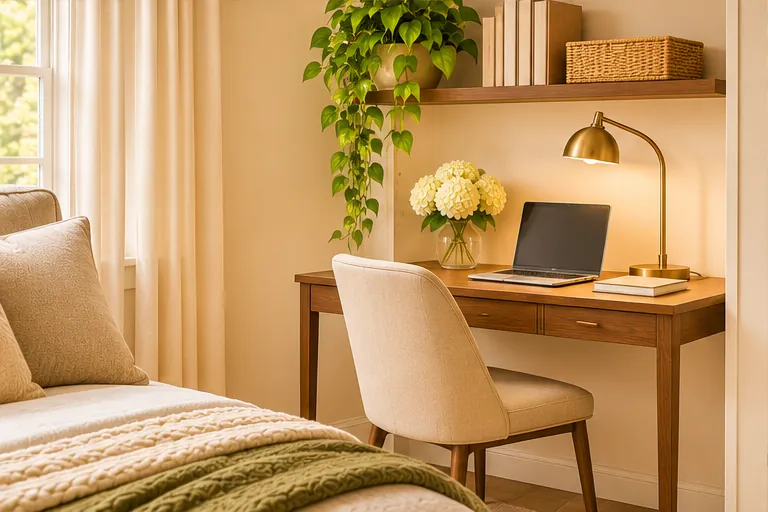
Small home office ideas for a corner or spare room: desk layout, comfortable monitor height and distance, lighting, cable control and storage that fits.
Buying guide
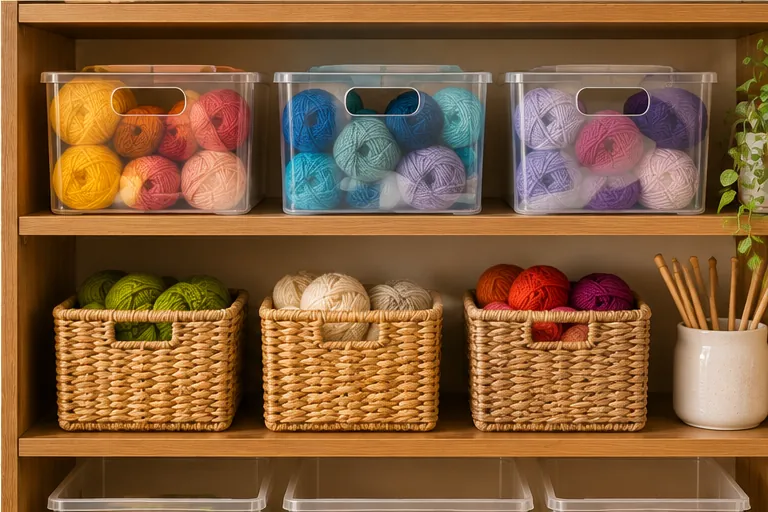
Yarn storage ideas for knitters and crocheters: clear bins, cubes and project bags, plus how to protect wool from clothes moths.
Comparison
Compare the work surface, chair movement, monitor position and cable access of two compact desk layouts.
Comparison
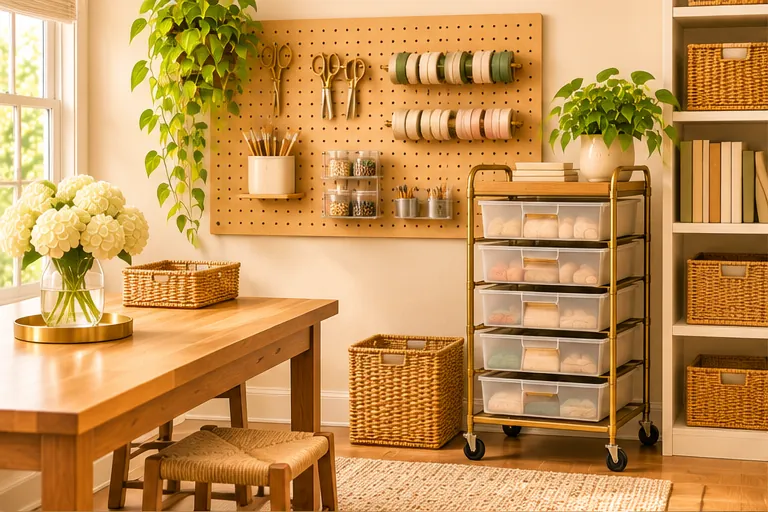
Compare a visible pegboard with concealed drawers for craft supplies, small parts, child access and daily cleanup.
Comparison
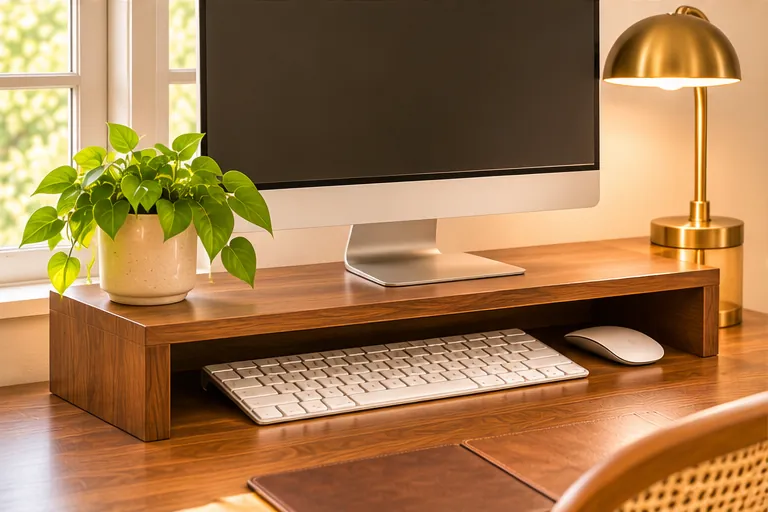
Compare desktop risers and monitor arms for fit, monitor adjustment, neck comfort and desk compatibility.
Shortlist
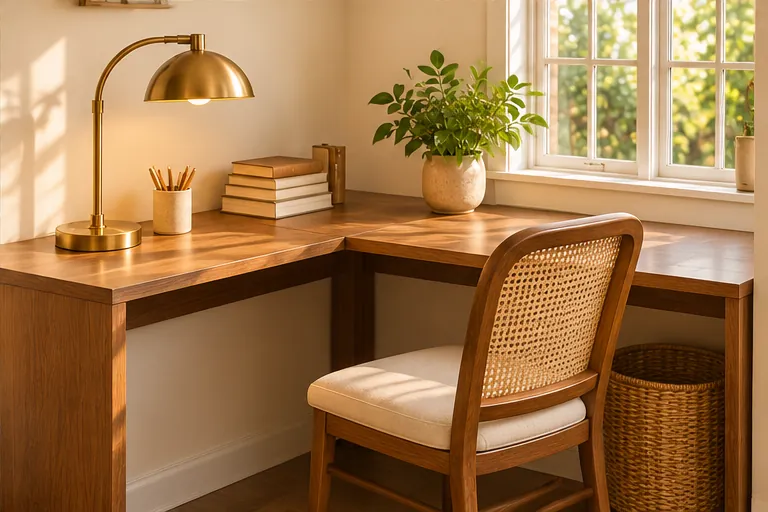
Check actual corner desk geometry, shelf height and comfortable workspace before purchasing.
Shortlist
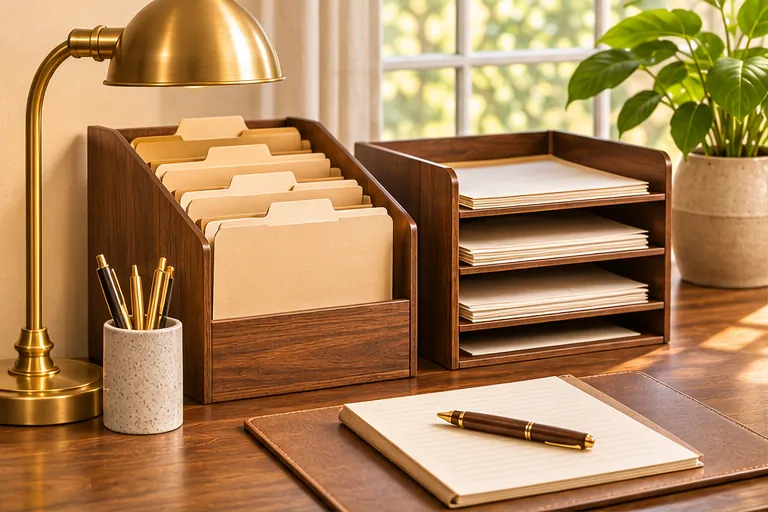
Choose a paper-storage format by retrieval routine rather than visual neatness.
Measure first with our free room tools · Before-you-buy checklist
Shop this room
As an Amazon Associate I earn from qualifying purchases. Product illustrations are representative; check Amazon for actual photos, sizes and current details before you buy.
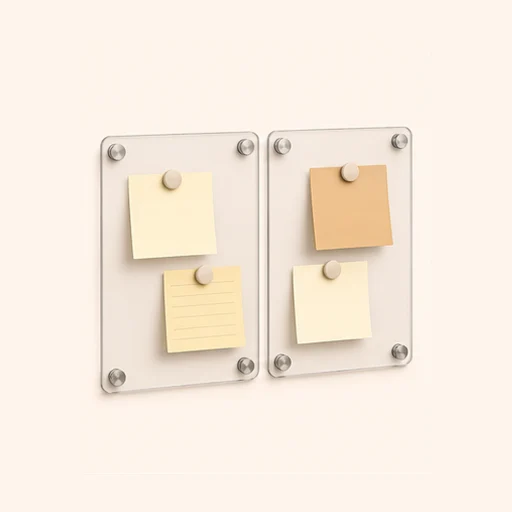
Two computer-monitor memo boards keep short reminders near the screen instead of scattering notes across the desktop.
View on Amazon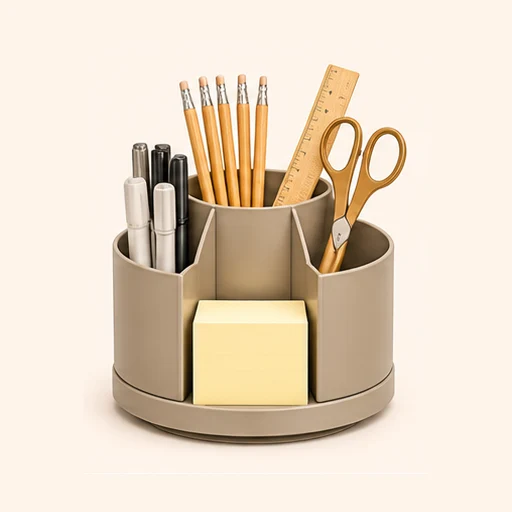
SKYDUE's rotating plastic caddy has five slots for grouping pens and art supplies within reach.
View on Amazon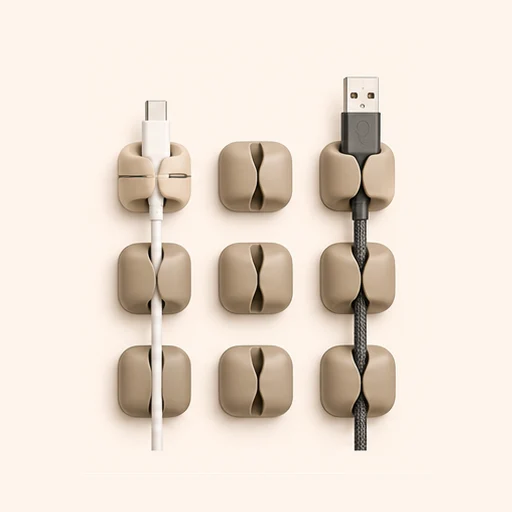
JOYROOM's nine magnetic adhesive cable clips help route several cords individually along a desk edge.
View on Amazon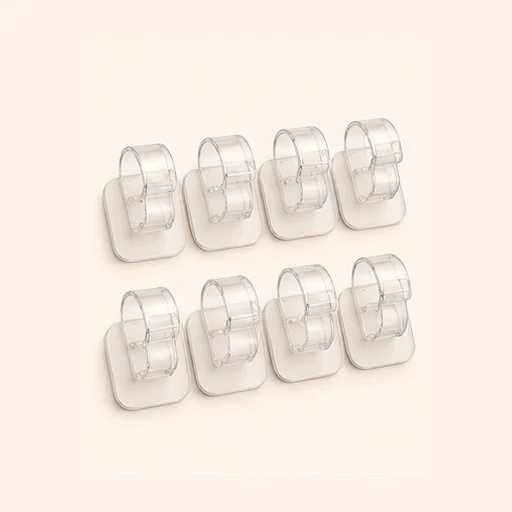
Lamicall's eight locking cord clips are an option for keeping charging leads in assigned positions.
View on Amazon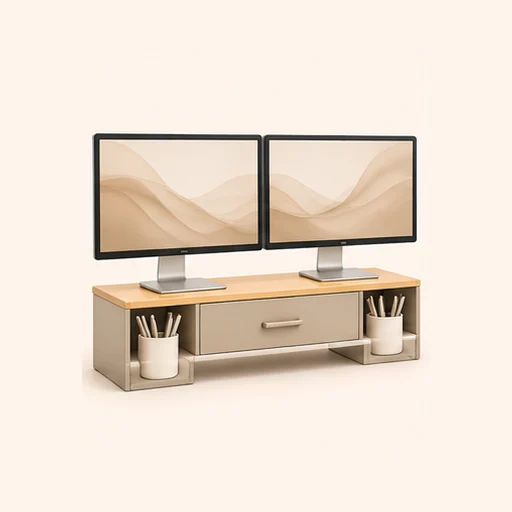
A dual-monitor riser with a drawer and two pen holders combines screen support with desktop accessory storage.
View on Amazon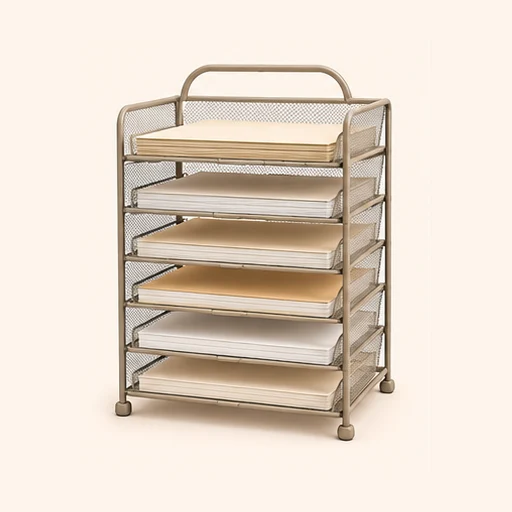
Marbrasse's six-tier mesh letter tray includes a handle and offers separate levels for paperwork and folders.
View on AmazonSit in your normal working position and mark where you need light for reading or handwriting. A lamp that looks attractive but cannot reach the task is a poor fit.
Check whether the shade or bulb is visible in your direct line of sight or reflected in a screen. Position light to reduce hard shadows without pointing it at your eyes.
Measure the desk depth, rear clearance and thickness if the model uses a clamp. Confirm whether the arm can move without striking a wall or monitor.
Use the manufacturer’s current compatible bulb and maximum wattage information. Check cable placement, plug access and any assembly or safety instructions.
IKEA lists the TERTIAL work lamp (item 203.554.34) on its U.S. site. Its manufacturer listing is a starting point for specifications, not proof of hands-on testing or availability at a particular store.
A weighted base is useful when you can spare desk space; a clamp-mounted lamp may suit a smaller surface if the desktop thickness and edge shape are compatible. A jointed arm offers more positioning choices than a fixed stem, but needs clearance behind the desk. Compare how the shade directs light and whether the switch is easy to reach. Check the manufacturer’s bulb compatibility, electrical specifications and adjustment range rather than assuming that all LED or adjustable lamps perform alike.
Start with your working position rather than the furniture catalogue. Measure the clear width and depth of your work surface, the height underneath, and the space occupied by a keyboard, monitor, documents and any lamp. Mark where chair arms and legs move as you sit down and stand up. A cabinet that fits under the desk may still interfere with your knees or prevent the chair from moving comfortably.
Organize by frequency of use. Keep the items you reach for during a normal task in the nearest accessible zone. Reference books, spare cables and archived paperwork can move farther away. Group paperwork by action: items requiring attention, material you need to reference, and documents ready to file. Avoid filling several new desktop organizers before deciding what actually needs to remain visible.
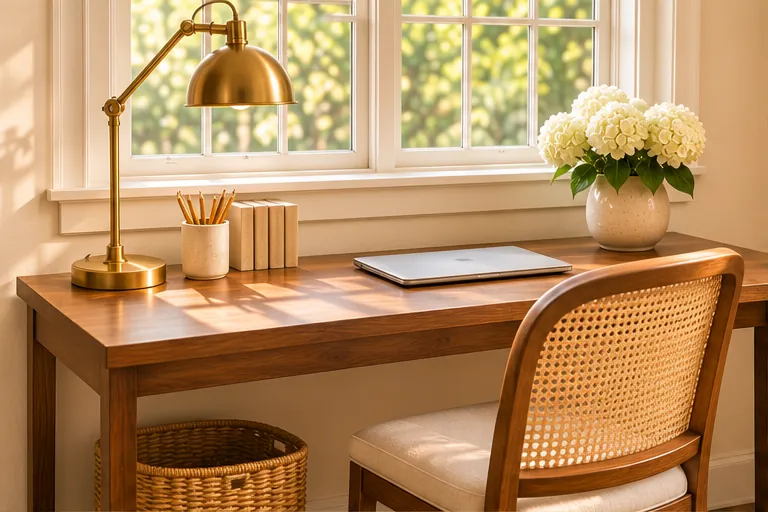
For an adjustable desk lamp, check base footprint, arm reach, head movement and where its cord will travel. Aim light at the work rather than into your eyes or monitor. If you write with your right hand, try placing the lamp on the left to reduce the shadow from your hand; reverse this if left-handed. Test the position with your existing lamp before purchasing. Check the exact bulb compatibility, dimmer behavior and electrical instructions for the candidate model.
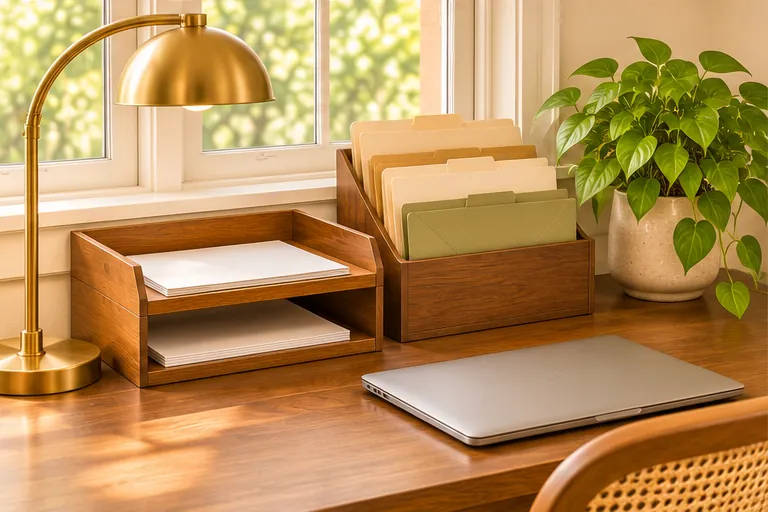
A vertical file holder is useful only if its slots fit your folders and if you can remove a folder without moving other items. Drawer trays should match internal depth and drawer height, not merely the desk width. Keep power strips and cable routing accessible, avoid pinching cords behind furniture and follow the equipment instructions. Try a simple five-minute end-of-day reset for a week; only purchase storage for problems the routine does not solve.
Further reading (official sources, checked November 22, 2026): OSHA — Computer Workstations
Practical answers about desk organization, fit and everyday use.
Reserve the desktop for your active work and monitor. Move reference papers and occasional supplies into reachable trays or drawers, and route cables away from your work area.
Start with a desk at a comfortable height, a good chair, light from the side and a place for papers.
Your elbows should rest near a right angle while typing. Adjust the chair before replacing the desk.
Roughly an arm's length away with the top near eye level. A riser or arm can help.
Use one inbox, a simple file sorter and a weekly time to clear it.
Natural light from the side if possible, plus a task lamp to reduce shadows.
These are identified product listings, not hands-on-tested recommendations. Check the current Amazon listing for dimensions, specifications, and suitability before purchasing.
Paid links. As an Amazon Associate, we earn from qualifying purchases through our links.
Compare the existing product selections in Desk Organization. Check the exact model dimensions and instructions before ordering.