Educational Comparison / Desk Setup Ideas
Monitor Riser vs. Monitor Arm: Which Fits a Small Desk?
Compare desktop risers and monitor arms for fit, monitor adjustment, neck comfort and desk compatibility.
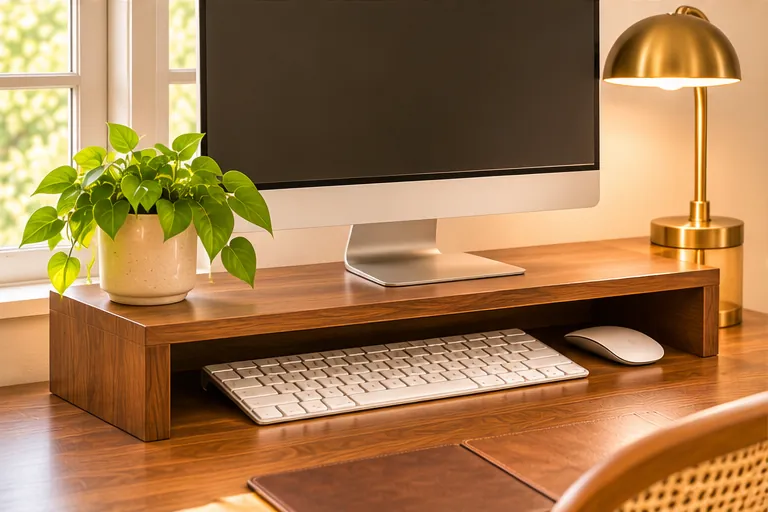
Shop this guide
Products to consider
As an Amazon Associate I earn from qualifying purchases. Product illustrations are representative; check Amazon for actual photos, sizes and current details before you buy.
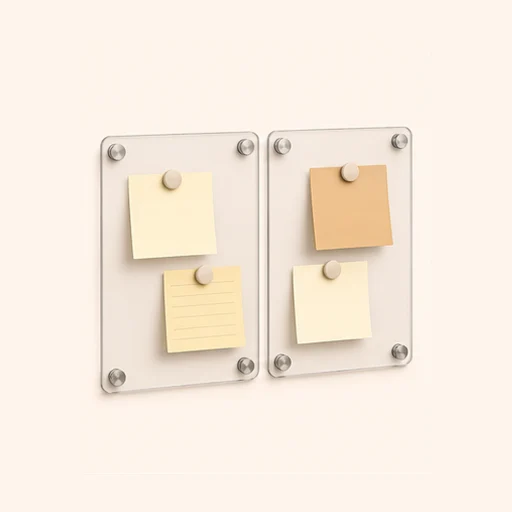
Office Desk Accessories 2pcs Computer Monitor Memo Board Office Supplies
Two computer-monitor memo boards keep short reminders near the screen instead of scattering notes across the desktop.
View on Amazon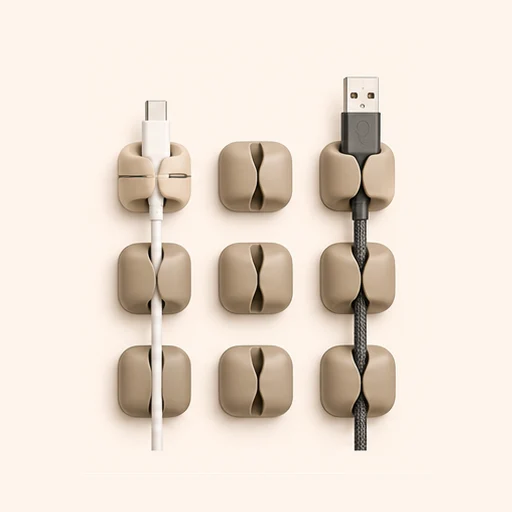
JOYROOM 9 Pack Magnetic Cable Clips, Cord Organizer Adhesive Wire Holder
JOYROOM's nine magnetic adhesive cable clips help route several cords individually along a desk edge.
View on Amazon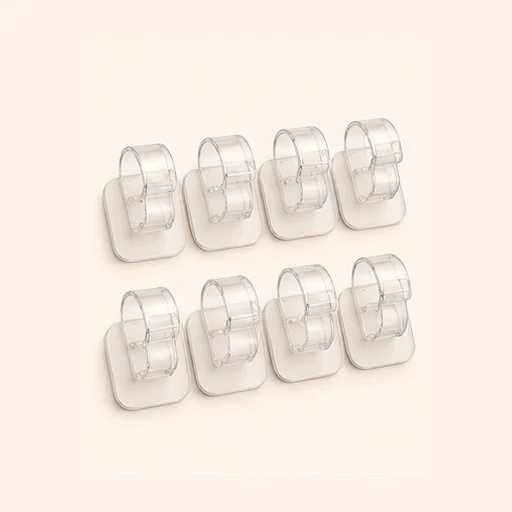
Lamicall 8 Pack Cord Organizer, [1s Lock] Cable Management Clips for Desk
Lamicall's eight locking cord clips are an option for keeping charging leads in assigned positions.
View on Amazon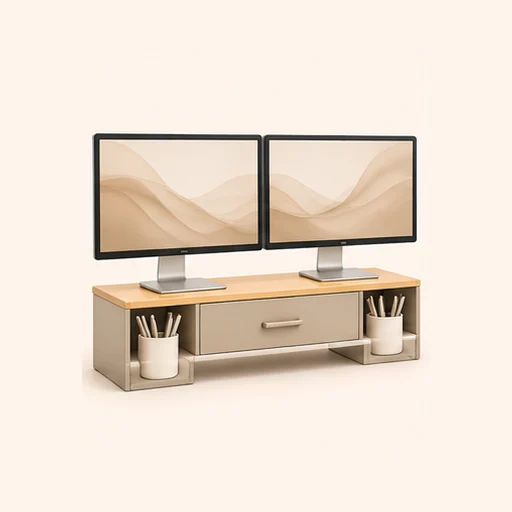
Dual Monitor Stand Riser With Drawer and 2 Pen Holders
A dual-monitor riser with a drawer and two pen holders combines screen support with desktop accessory storage.
View on AmazonWhat problem are you fixing?
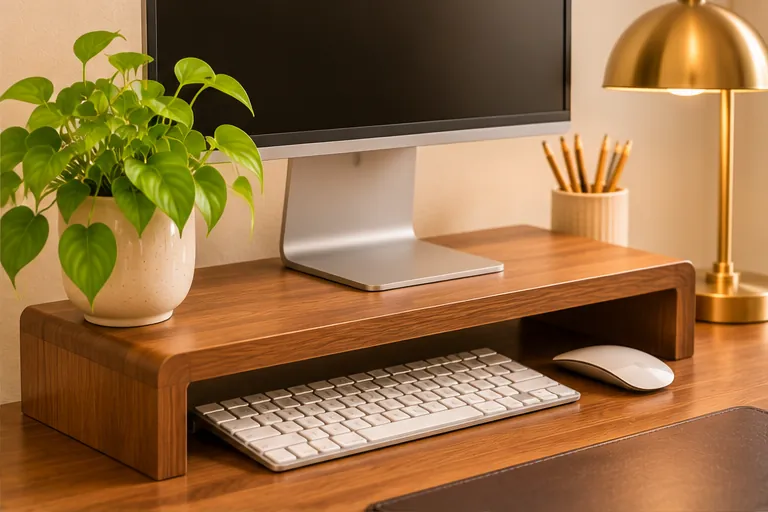
A desktop riser elevates equipment or creates an upper platform, sometimes with extra space below. A monitor arm mounts to a compatible desk or wall and can reposition a screen over the work surface. Neither is automatically ergonomic. The goal is a comfortable line of sight, usable keyboard and mouse placement, and enough desk area for the work you do.
If the monitor already sits at a comfortable position, a large riser may waste valuable desk depth. If you need frequent position changes, a compatible arm may help. Begin by assessing your chair, posture, screen distance, lighting and tasks rather than buying an accessory because a setup photo looks tidy.
Measure the desk and equipment
Measure usable desk width and depth, not just the outside edge. Note monitor size, actual weight with or without its stand, and mounting pattern if relevant. A desktop riser must carry its complete stated load and leave space for keyboard movement or documents. An arm must be compatible with the monitor and the thickness, material and strength of its mounting surface.
Check for drawers, modesty panels and cable trays beneath the desk that could obstruct a clamp. Draw the rear and side sweep of an articulated monitor arm and ensure the display will not hit a wall. For risers, measure the vertical gap under the platform and ensure it is usable, not merely decorative.
Comfort is about adjustments, not marketing
A riser can elevate a screen but may not offer fine adjustment; it can also raise the keyboard to an uncomfortable position if built as a single platform. An arm can offer height, rotation or depth changes on compatible models, but only within its actual adjustment range.
Use OSHA workstation guidance as a starting point for evaluating comfortable monitor and input-device placement. It is not a certification of a particular product or a substitute for individual ergonomic needs. People with vision or mobility considerations may need different arrangements.
Stability, wires and installation
A desktop riser relies on a suitable flat, stable surface and a load within its published rating. A monitor arm transfers load through a clamp, grommet or wall installation; an unsuitable hollow desk edge can fail. Confirm the manufacturer’s permitted desk and mount materials before attaching it.
Leave sufficient slack and safe cable routing as the arm moves; prevent cords from catching or being pulled from ports. A wall mount may require appropriate structural support and rental permission. Do not assume a generic clamp works for every desktop.
Which should you choose?
Choose a riser when you need a modest fixed height change or a little shelf space and the desk can support the product safely. Choose an arm if you need adjustable positioning and have a compatible monitor and mounting surface. If the problem is clutter rather than screen position, first remove unnecessary items and reorganize cables.
The desk reset tutorial covers workflow organization, while Before You Buy helps capture compatibility questions.
Frequently asked questions
Practical answers about monitor riser, fit and everyday use.
When should I choose a monitor arm instead of a riser?
An arm is useful when you need adjustable height or depth and the monitor and desk support its mount. A riser is simpler when a fixed height meets your needs.
Will a monitor arm fit any monitor?
No. Verify the mount interface, actual weight, monitor shape and manufacturer restrictions.
Is a desktop riser always better for posture?
No. Screen height is only one factor; input-device placement, chair setup and individual needs matter.
Can a clamp damage a desk?
Yes, especially if the desk is thin, hollow or otherwise unsuitable. Check the arm and desk manufacturers’ guidance.
Does a desktop riser change keyboard ergonomics?
It may raise the monitor and change the available keyboard area. Test both screen and arm position before choosing a riser.
Will a monitor arm fit a desk with a rear cable tray?
Clamps and grommets need specific clearances; inspect the desk's rear edge and frame before ordering an arm.
Sources and verification
General public guidance is linked below. These sources do not verify particular products or installations.
Independent decision guide, not a firsthand test or professional installation plan. Check current manufacturer instructions and specific wall, electrical, plumbing and property conditions. Affiliate disclosure.